
AI Face Swap Tutorials
written by the people who built it
These AI face swap tutorials cover the parts that actually decide your result: choosing source footage, preparing a portrait, running ad tests properly, and knowing when a browser tool is the wrong choice.
Every setting and price in these guides matches the ActLike AI app on the App Store.
Where can I learn to use ActLike AI?
The ActLike AI blog has AI face swap tutorials written by the team behind the app, covering how to choose a clip, prepare a photo, pick a quality setting and fix common problems. Every setting and credit cost in the guides matches the iPhone app on the App Store.
Start here
Face Swap Video Tutorial: From Clip to Finished Video
Everything a first-time user needs: which clips work, which photos fail, what each setting costs, and how to fix a soft result.
More guides
AI UGC Video Ads: Drafting Concepts Before You Commission
A realistic playbook for drafting presenter variants cheaply, including the licensing question most guides skip.
7 min read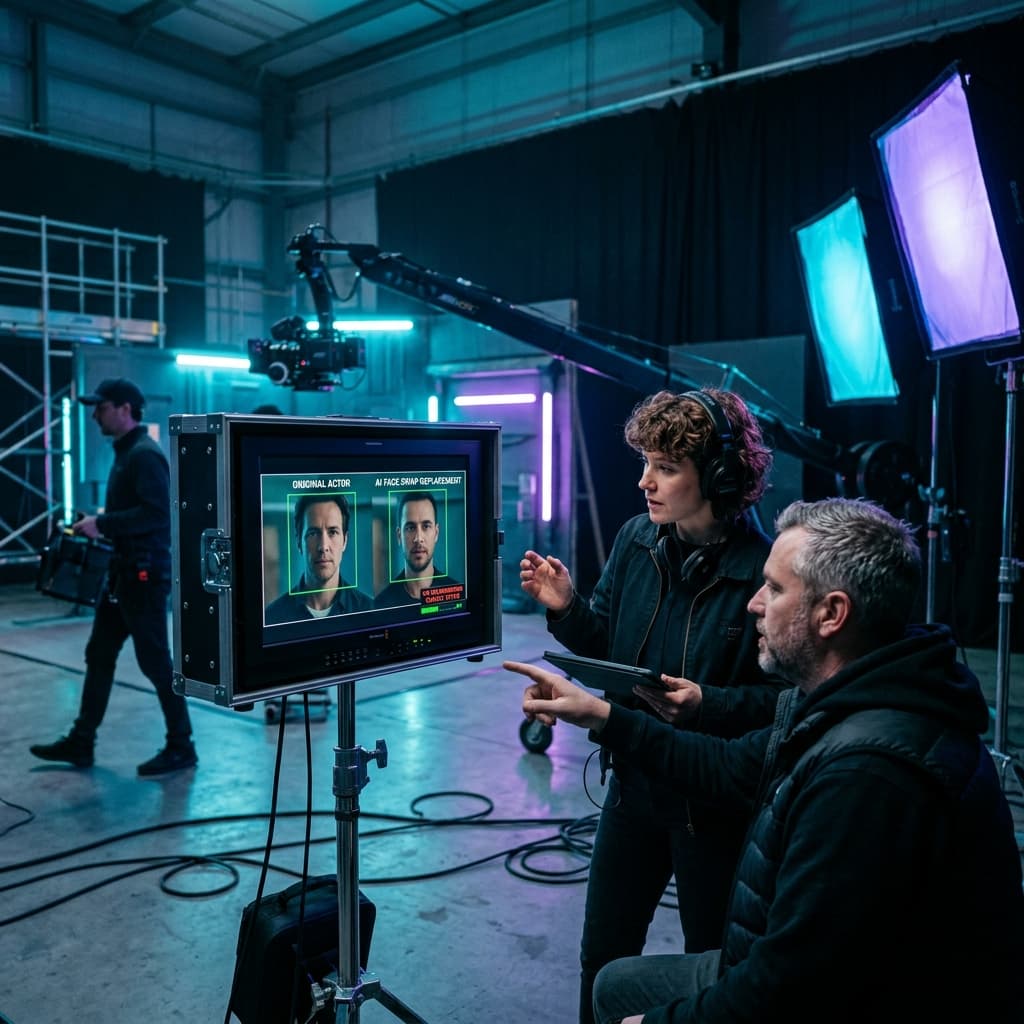
Face Swap Video Editing for Previz and Short Films
Where a phone-based swap helps a production decide faster, where it does not, and how to hand work over cleanly.
7 min readWhat these AI face swap tutorials cover
Our AI face swap tutorials fall into three groups, because three different jobs bring people here.
Craft
Craft guides explain why a render looks the way it does. Lighting, portrait choice, source footage and the quality settings all belong here, and this is where most beginners find their improvement.
Commercial
Commercial guides deal with money. Testing methodology, cost per variant and the honest limits of synthetic presenters matter far more to a marketer than the model architecture does.
Production
Production guides serve film and video teams. They cover previz, handover to finishing, and the point where you genuinely should switch to desktop compositing in a tool such asBlender instead.
About these guides
What readers ask about the blog itself.
The AI face swap tutorials on actlikeai.video are written by the team behind the ActLike AI app, so the settings and credit costs in each guide match the app.
Keep reading
Learn by doing
Pick the guide closest to your idea, download ActLike AI, and follow along with your own clip.

iPhone requires iOS 17.0 or later. Android version on Google Play.


3 guides published · updated whenever the studio changes