
Face Swap Video Editing for Previz and Short Films
Where a phone-based swap helps a production decide faster, where it does not, and how to hand work over cleanly.
Try it while you read
ActLike AI is on iPhone and Android. Credit packs start at $1.99, with no subscription.


What is face swap video editing useful for in film?
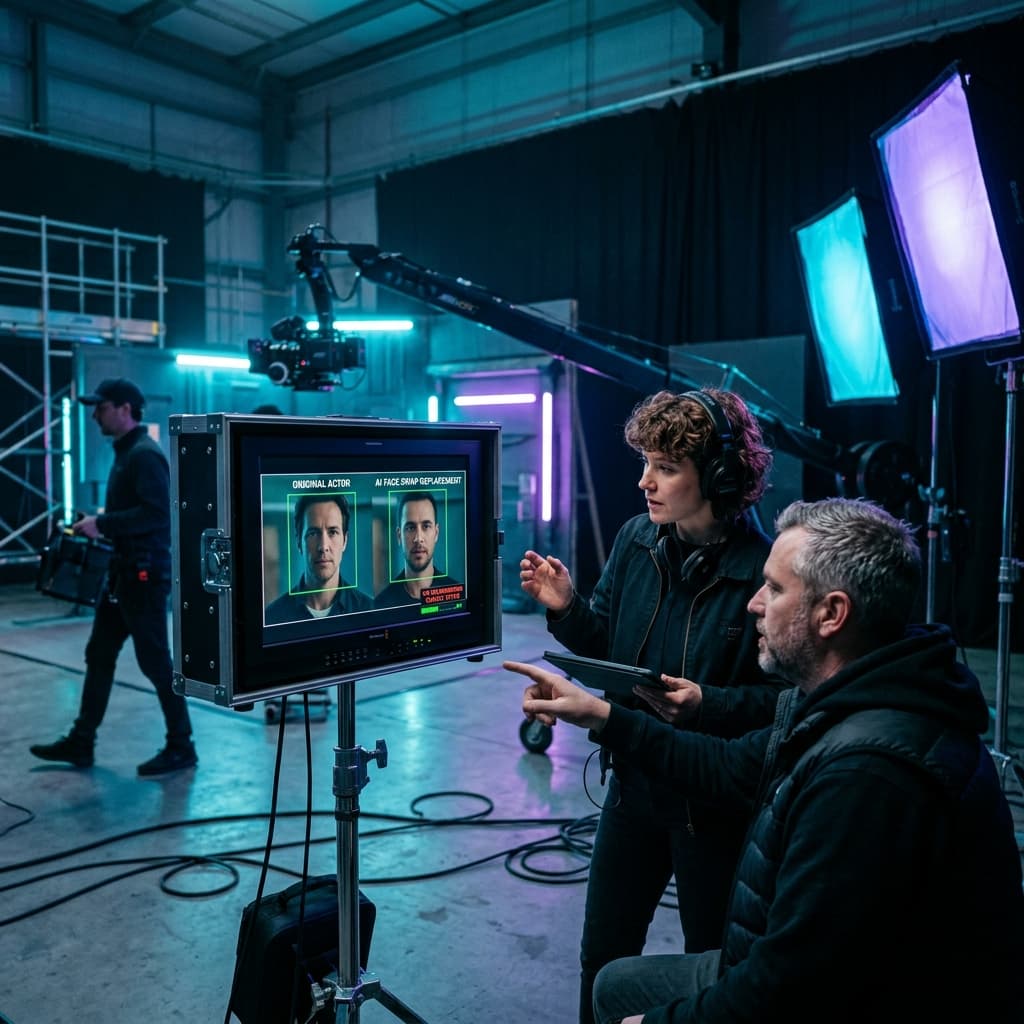
Face swap video editing on a phone is useful for decisions rather than final frames: casting and look previz, stunt planning and internal concept mockups. ActLike AI handles one person per clip, up to 20 seconds, at up to 720p HD, so broadcast finishing still belongs in desktop VFX software.
Where face swap video editing fits
Phone-based swapping is not a finishing tool, and pretending otherwise wastes everyone’s time. It is a decision tool, and decisions are where productions lose the most money.
Used well, face swap video editing answers questions early: does this look read in the scene, does the stunt sell from this angle, does the team understand the concept. Each answer arrives in minutes instead of a shoot day.
Casting and look previz
Casting debates stall because everyone imagines something different. Show the options instead: take a reference clip and generate each look onto the same performance.
Use described original characters to explore a look, and real performers only with their agreement. A 10-second 720p option with Scene Match costs 21 credits in ActLike AI.
Stunt and double planning
Doubles work because the camera rarely lingers on the face, but deciding which angles hold up usually happens on the day under pressure.
Generate the lead’s look, with permission, onto reference footage beforehand, and the coverage plan becomes obvious: you see which angles will need replacement in post before anyone rigs a camera.
Internal concept mockups
A deck of stills asks people to imagine motion, and most cannot. A rough 480p draft costs a few credits and changes the conversation, because feedback lands on the idea rather than the slides.
The ActLike AI licence covers lawful personal or internal creative purposes, which suits internal review. Before showing ActLike AI output to a client or using it in delivered work, check the terms.
The handover to finishing
Be clear with your post team: a phone render approximates the look. It is not a frame-accurate, colour-managed plate.
- The approved render, as a reference for intent and framing.
- The original source clip, untouched.
- The photo or description used, so the finishing team can match it deliberately.
- A note on which shots need real compositing.
Finishing teams working in Blender or a commercial compositor can take it from there.
Honest limits
- One person per clip. Multi-person shots need separate passes or desktop compositing.
- No frame-level correction. You cannot fix a single bad frame the way a compositor can.
- 720p HD maximum. Fine for previz and review, not for broadcast finishing.
- Up to 20 seconds. Built for shots, not sequences.
The alternatives comparison covers where desktop VFX remains the right choice.
Consent in a production
Performer contracts often restrict likeness reuse, and previz counts. Before generating a performer’s face from existing footage, confirm the agreement allows it, or ask their representation.
Described original characters avoid the question entirely, which makes them the default choice for early exploration. The acceptable use policy sets out the rules.
Questions about this guide
For previz, internal review and some short-form work, yes. For broadcast or theatrical finishing, no: use it to decide, then let a compositing team deliver final frames.
More guides
Ready to make one yourself?
Reading gets you halfway. Download ActLike AI, follow the steps with your own clip, and you will have a finished video in a few minutes.
iPhone requires iOS 17.0 or later. Android version on Google Play.


Written by Ege Alp · Developer, ActLike AI · Updated 12 October 2026